PDFs, fast
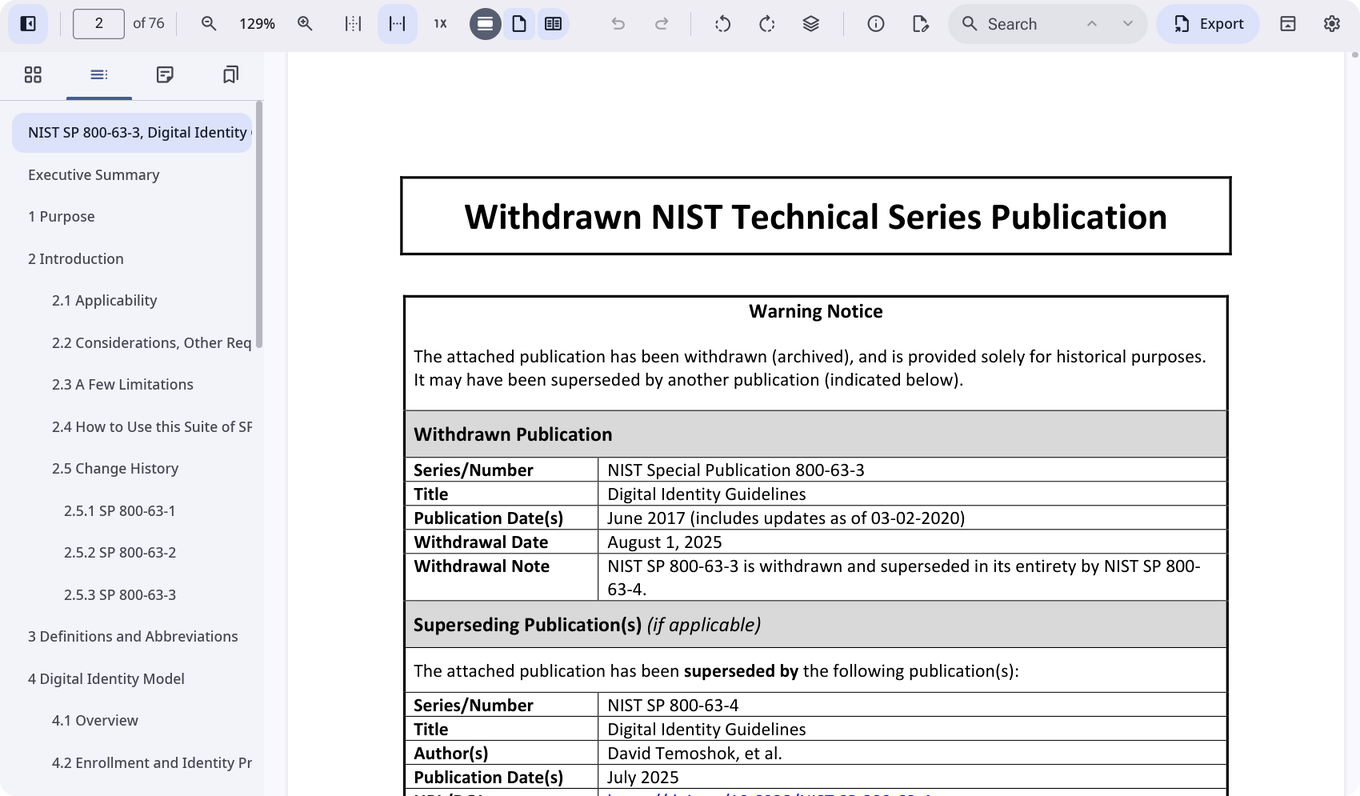
Pages render in tiles as you scroll, with thumbnails, the table of contents, bookmarks, search that highlights every match, text selection, links, full screen, slideshow and printing.
 prev
Fast, easy document and image preview. Any PDF, including forms, annotations and encryption. Markdown files, most image formats, including RAW and SVG. Review, annotate, sign and redact by yourself, or using your favourite AI model or agent tools.
Download prev 2.4.2 Source on GitHub
Free and open source under AGPL 3 on Linux, Windows and macOS. In 38 languages, including right-to-left.
Pages render in tiles as you scroll, with thumbnails, the table of contents, bookmarks, search that highlights every match, text selection, links, full screen, slideshow and printing.
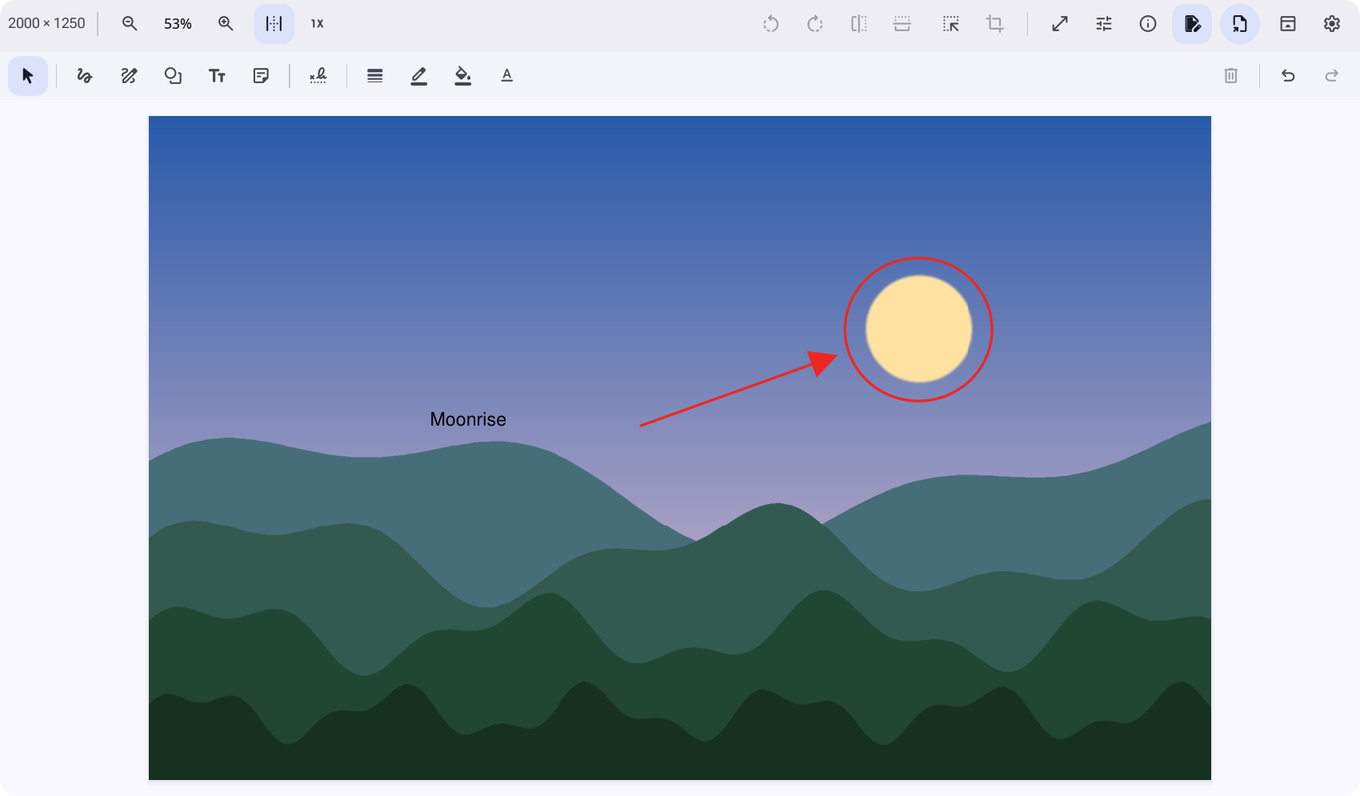
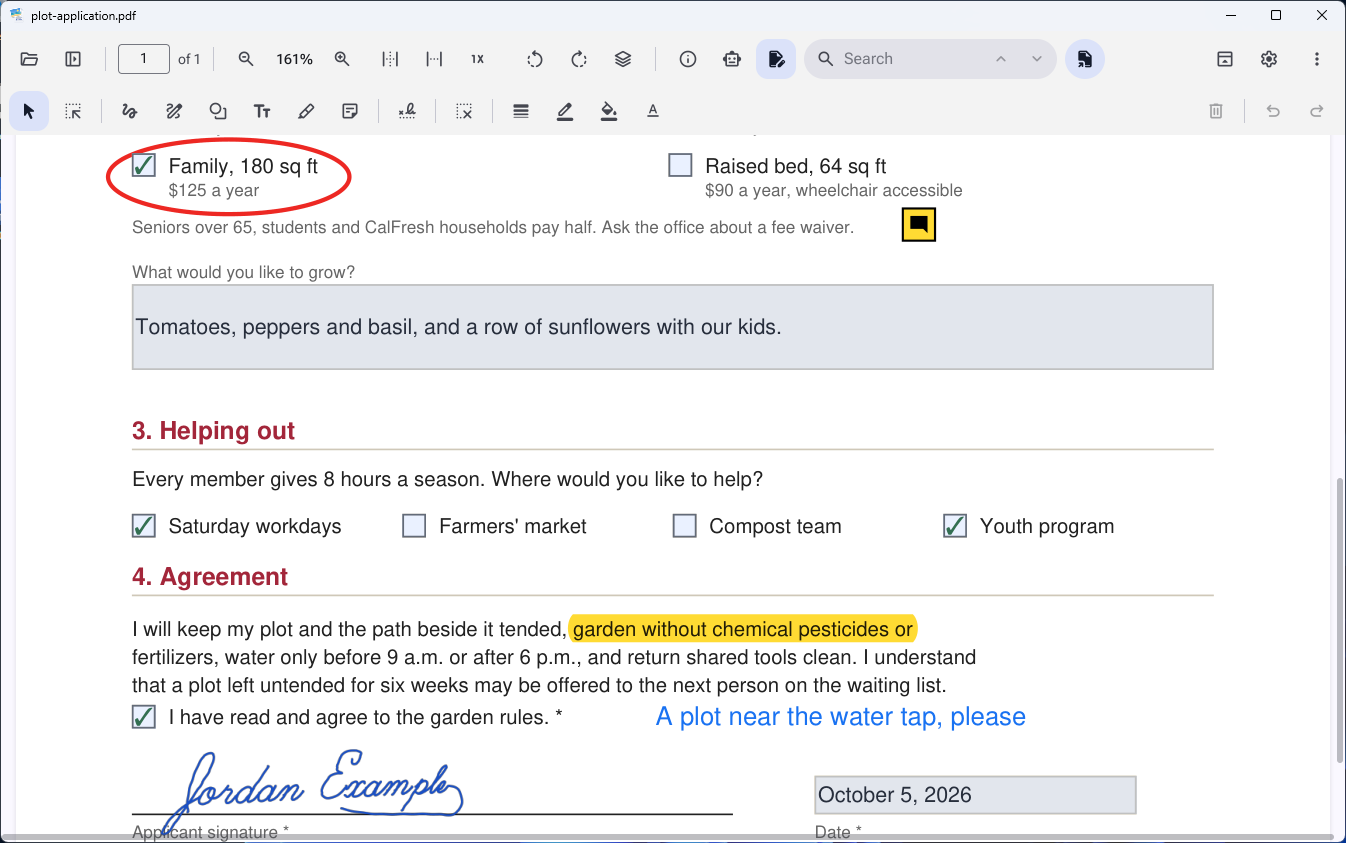
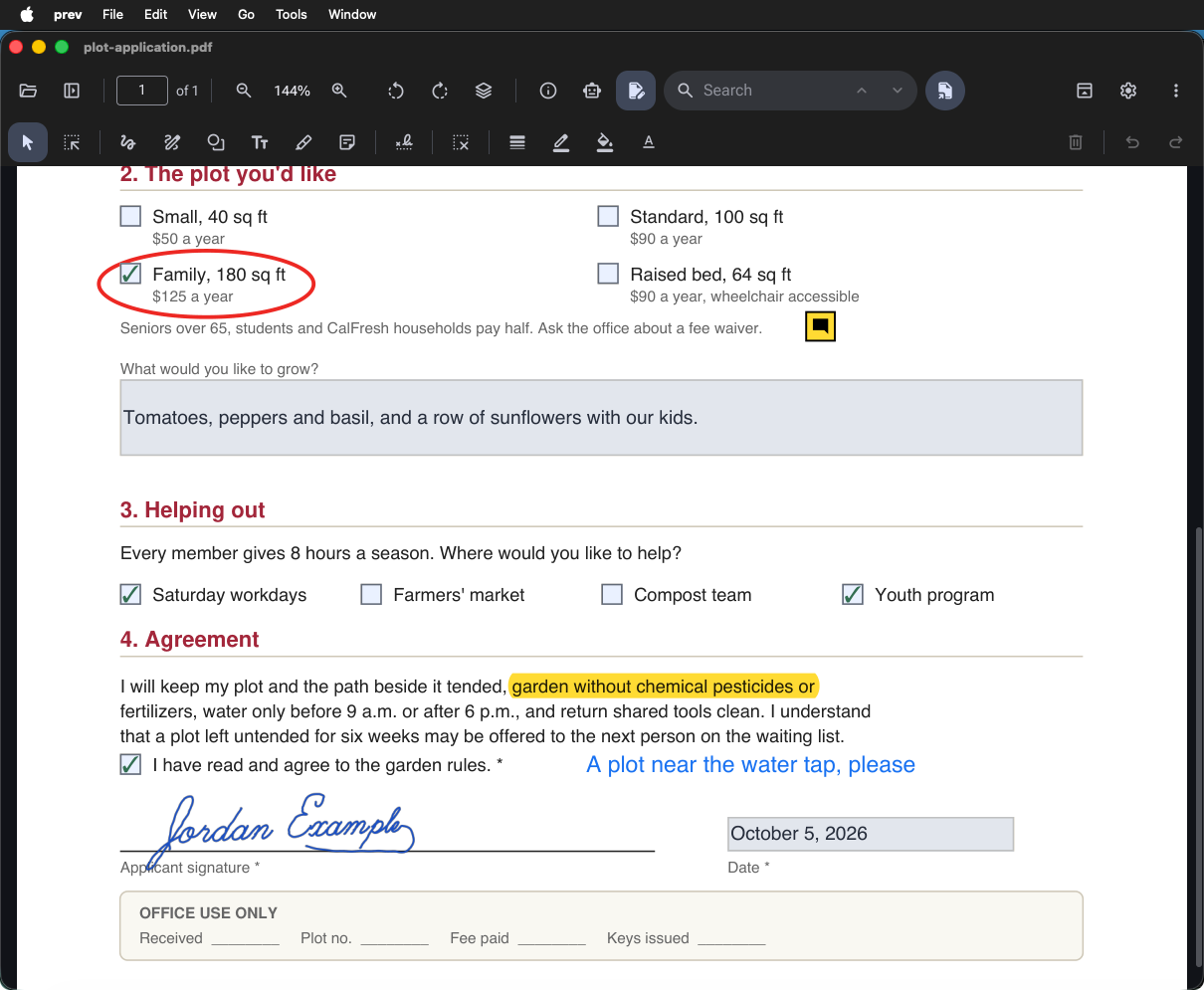
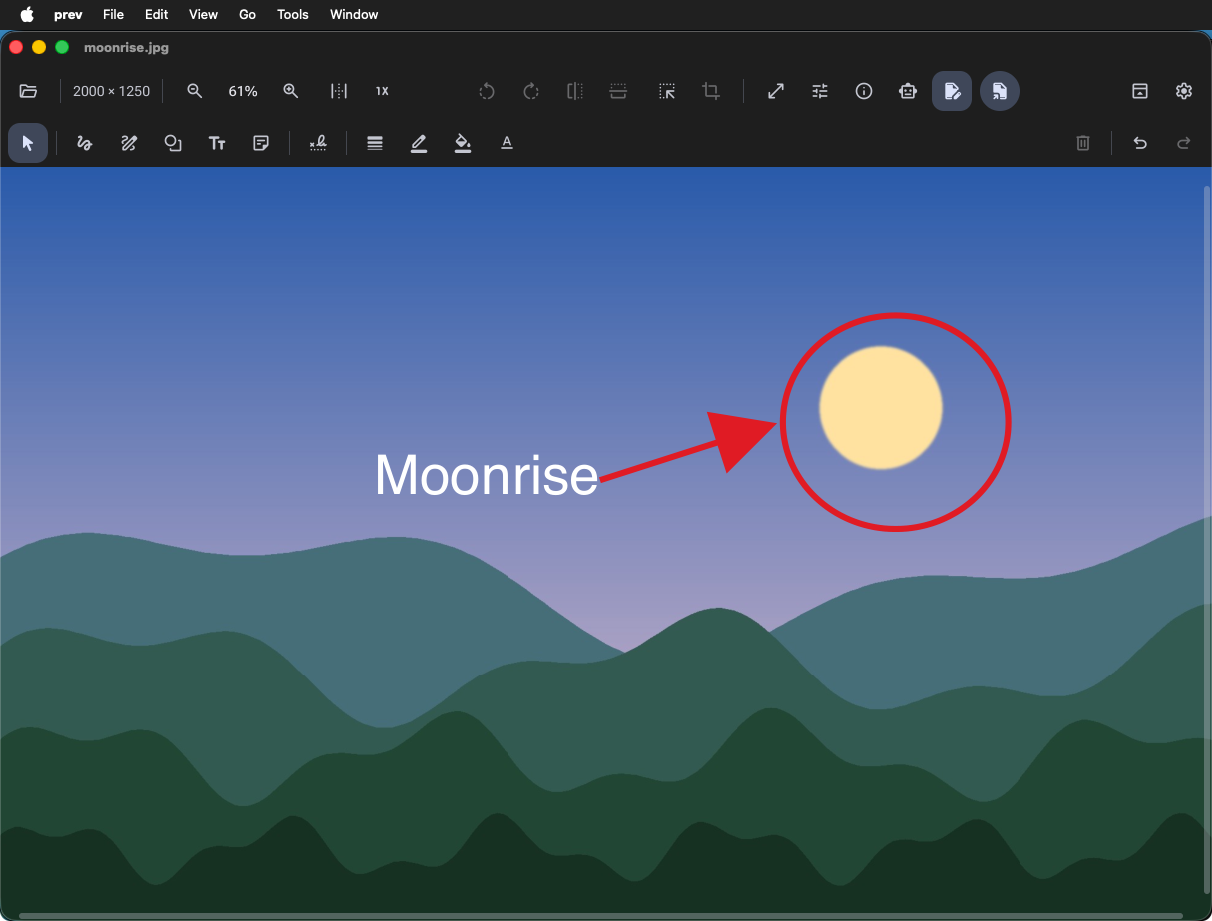
Highlight, underline, draw, add shapes, arrows, text boxes and notes, and fill in forms. All saved as standard PDF annotations.
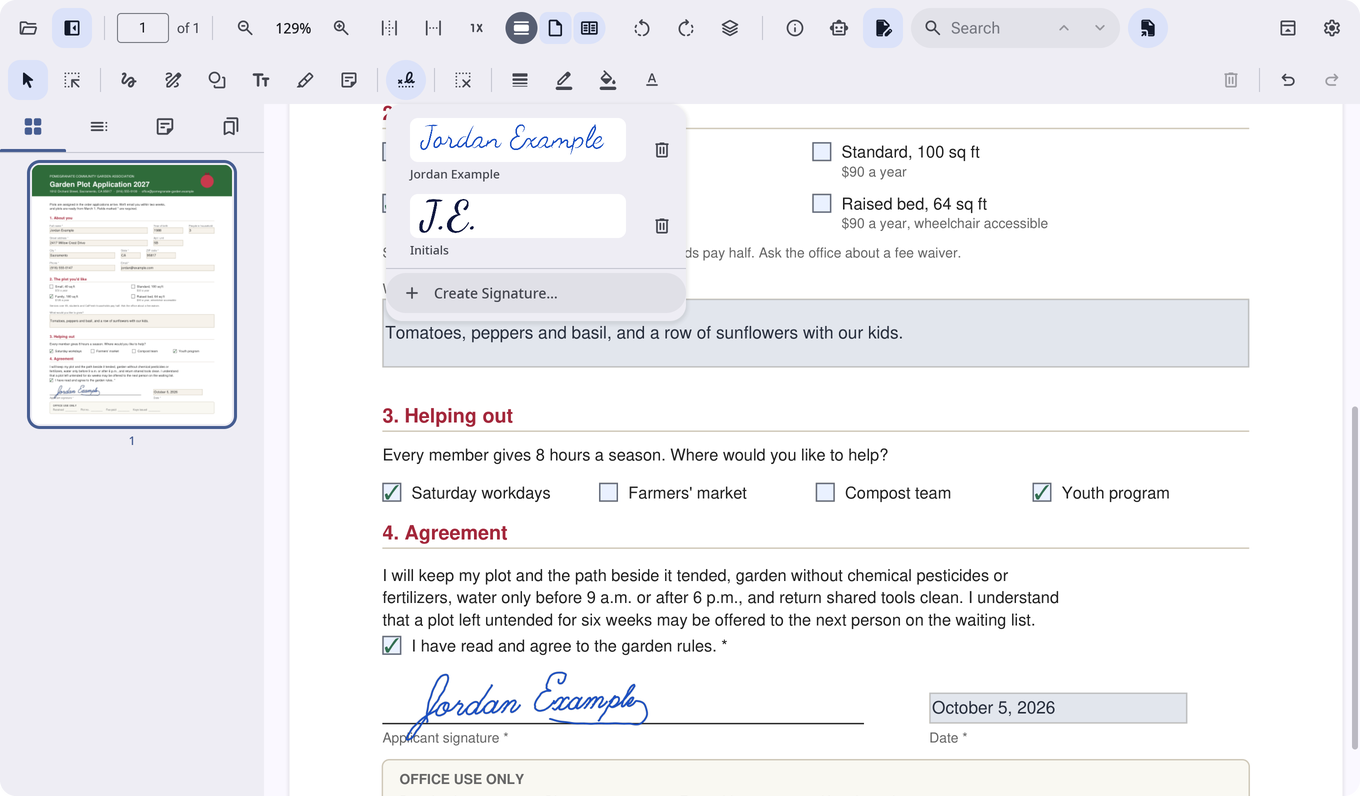
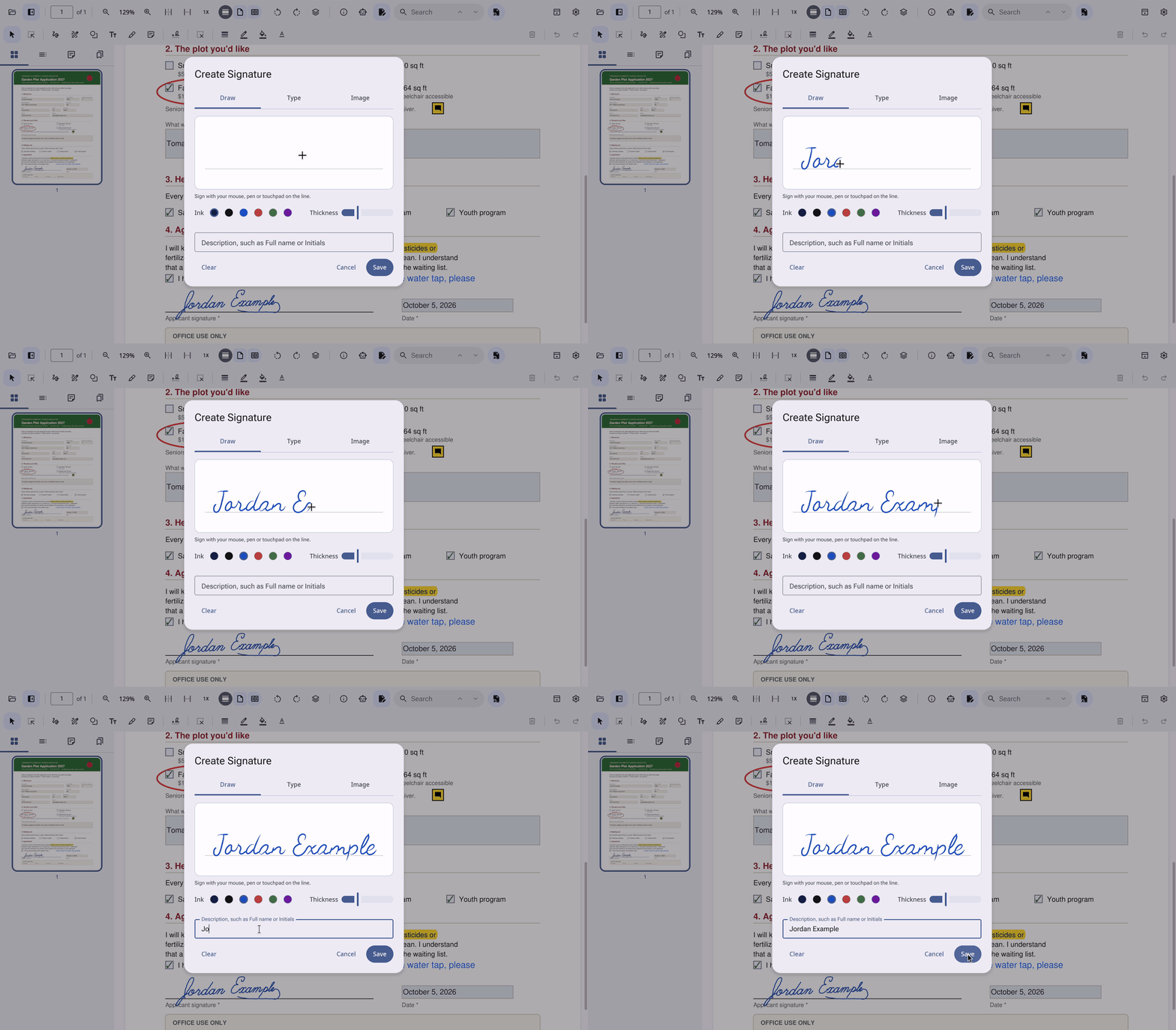
Draw your signature with a mouse, pen or touchpad, type it in a handwriting font, or bring in a scan with the paper made transparent. Keep as many as you like in the Sign menu, and place one on a PDF or a photo with a click.
Reorder, rotate, delete, crop and insert pages, drag them between documents or out as a PDF, and export pages as images or a smaller, encrypted or flattened PDF.
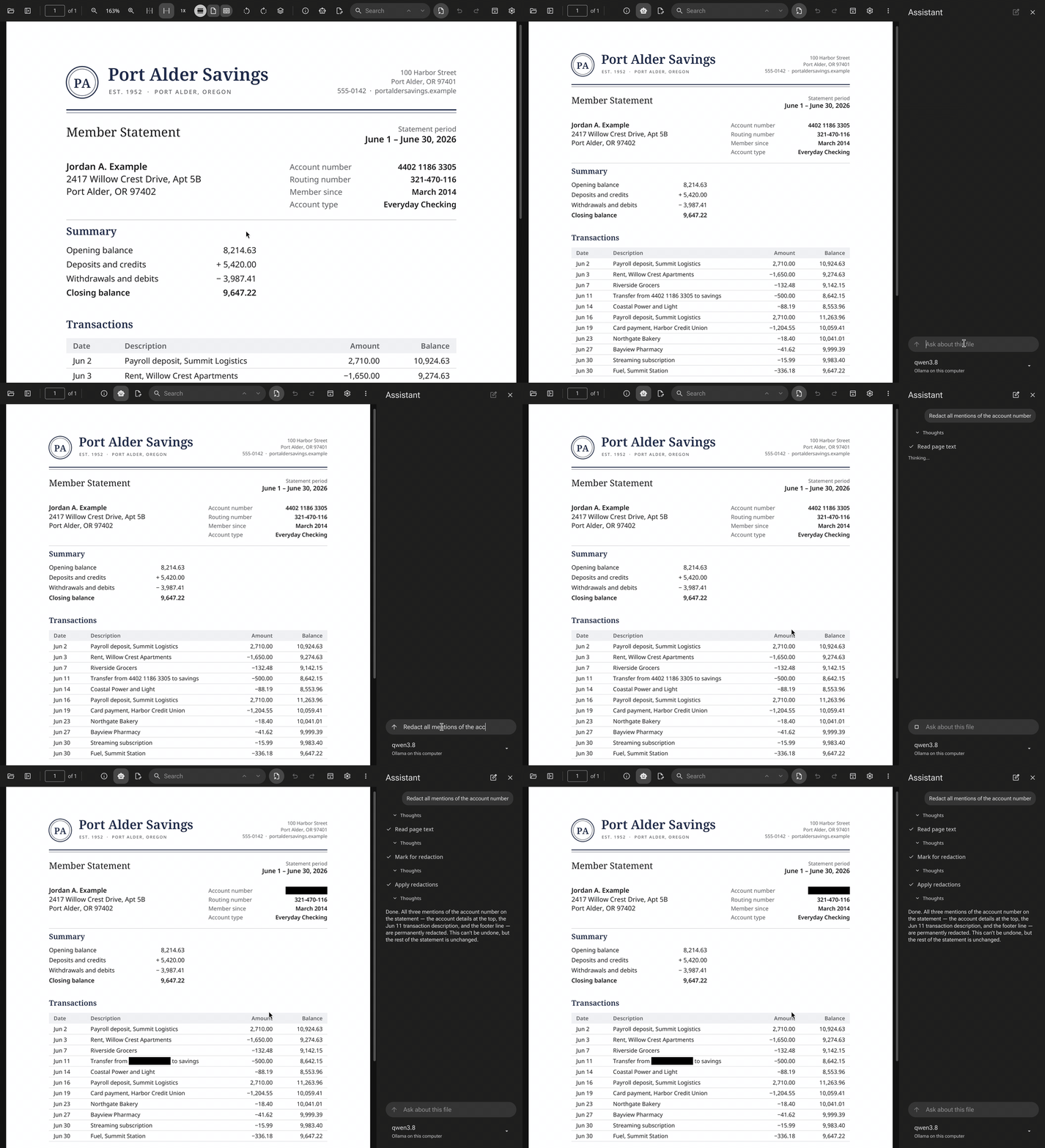
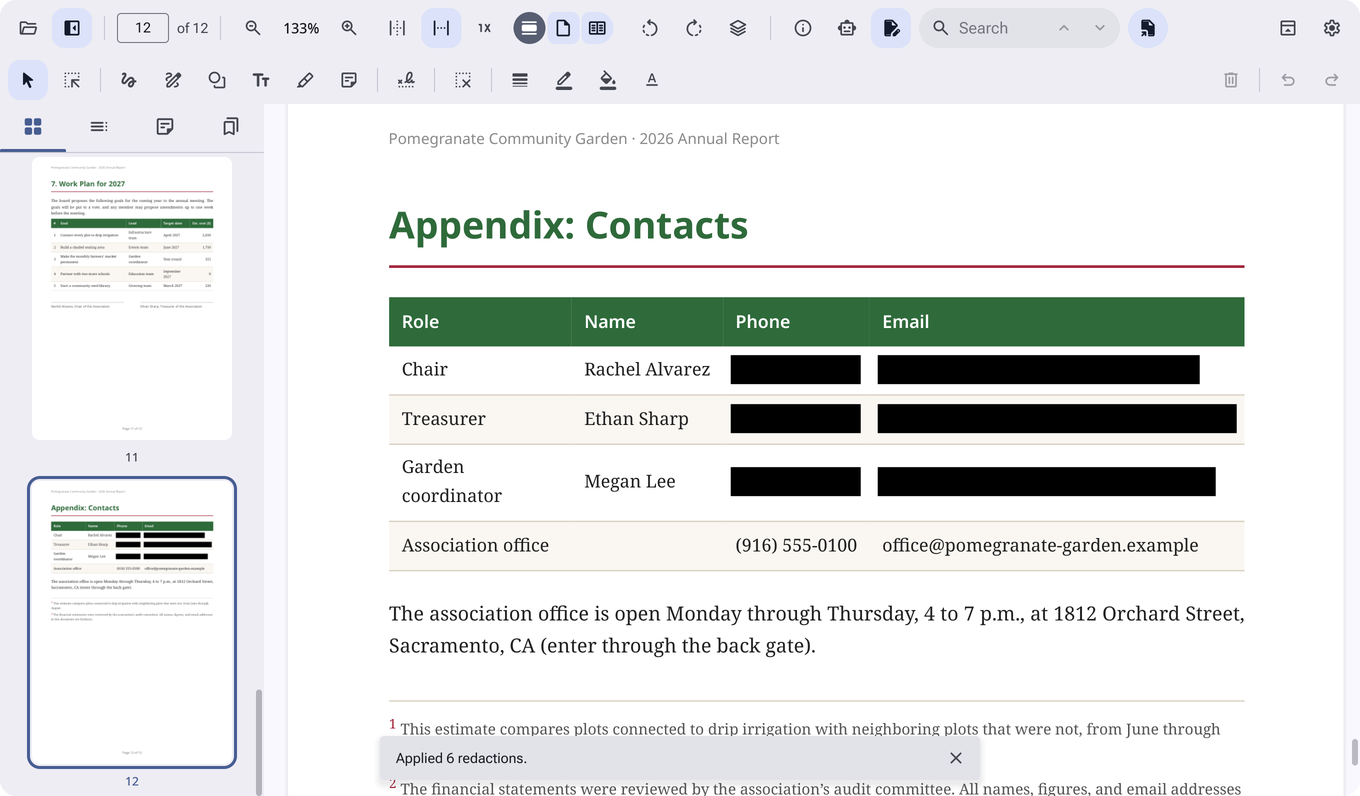
Mark text or areas and apply: what was underneath is removed from the file for good, not just covered, and no earlier revision keeps it.
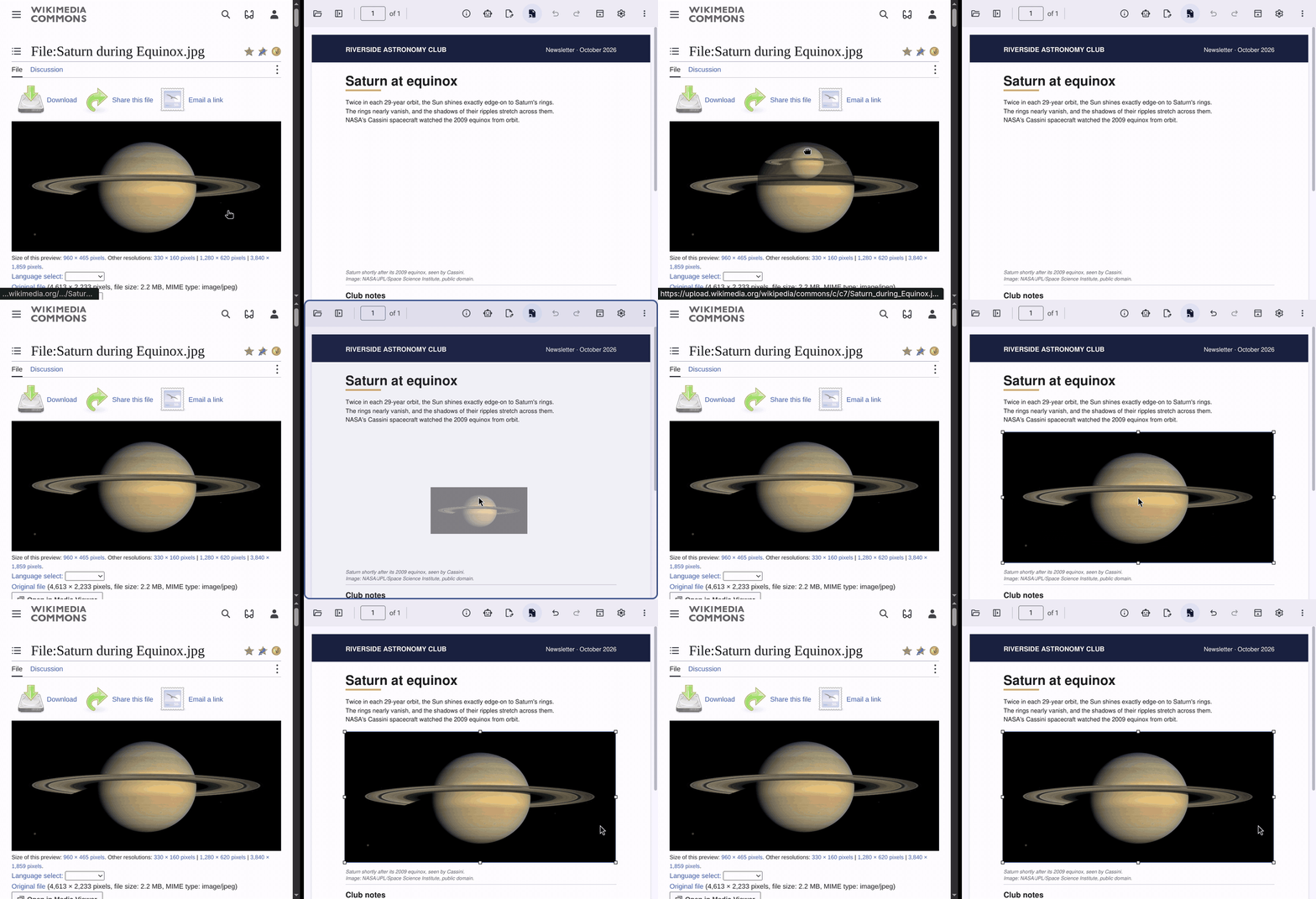
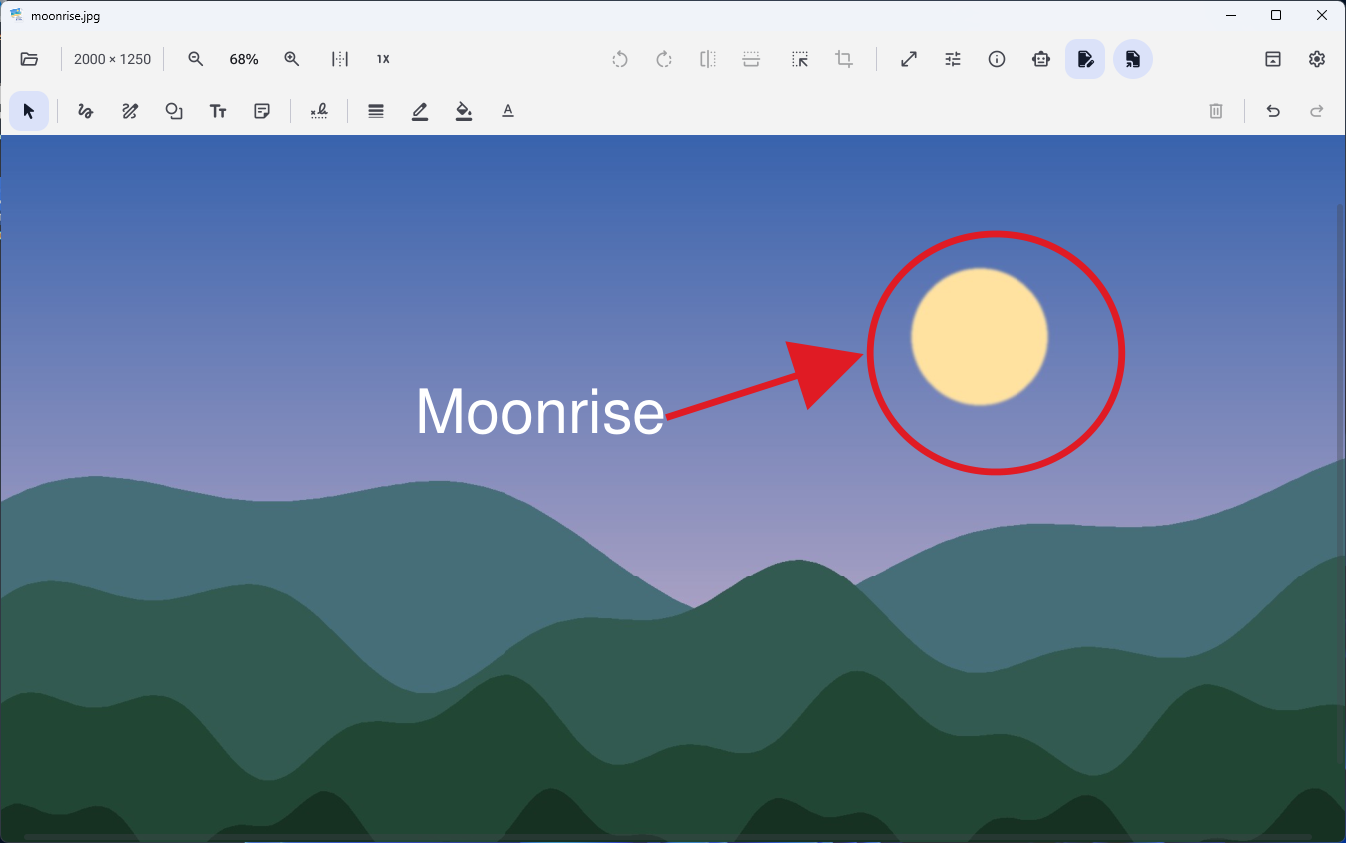
PNG, JPEG, WebP, AVIF, HEIC, TIFF, camera RAW and more. Crop, rotate, resize and adjust colour with undo, mark up, print, and export to nine formats. Edits keep EXIF and colour profiles.
SVG drawings stay sharp at any zoom. Markdown shows with tables, task lists and highlighted code, reloads as you edit, prints on pages and exports as a picture.
Ask about a document in a chat panel, and the assistant reads what it needs, points things out and marks up, edits or fills it in for you, with Undo. Use a local model that stays on your computer, or a cloud model from Anthropic, OpenAI or Google with your own key.
Agents such as Claude Code control the prev you are using over MCP, in your own windows, only once you allow them, and asking before the steps you choose, such as printing.
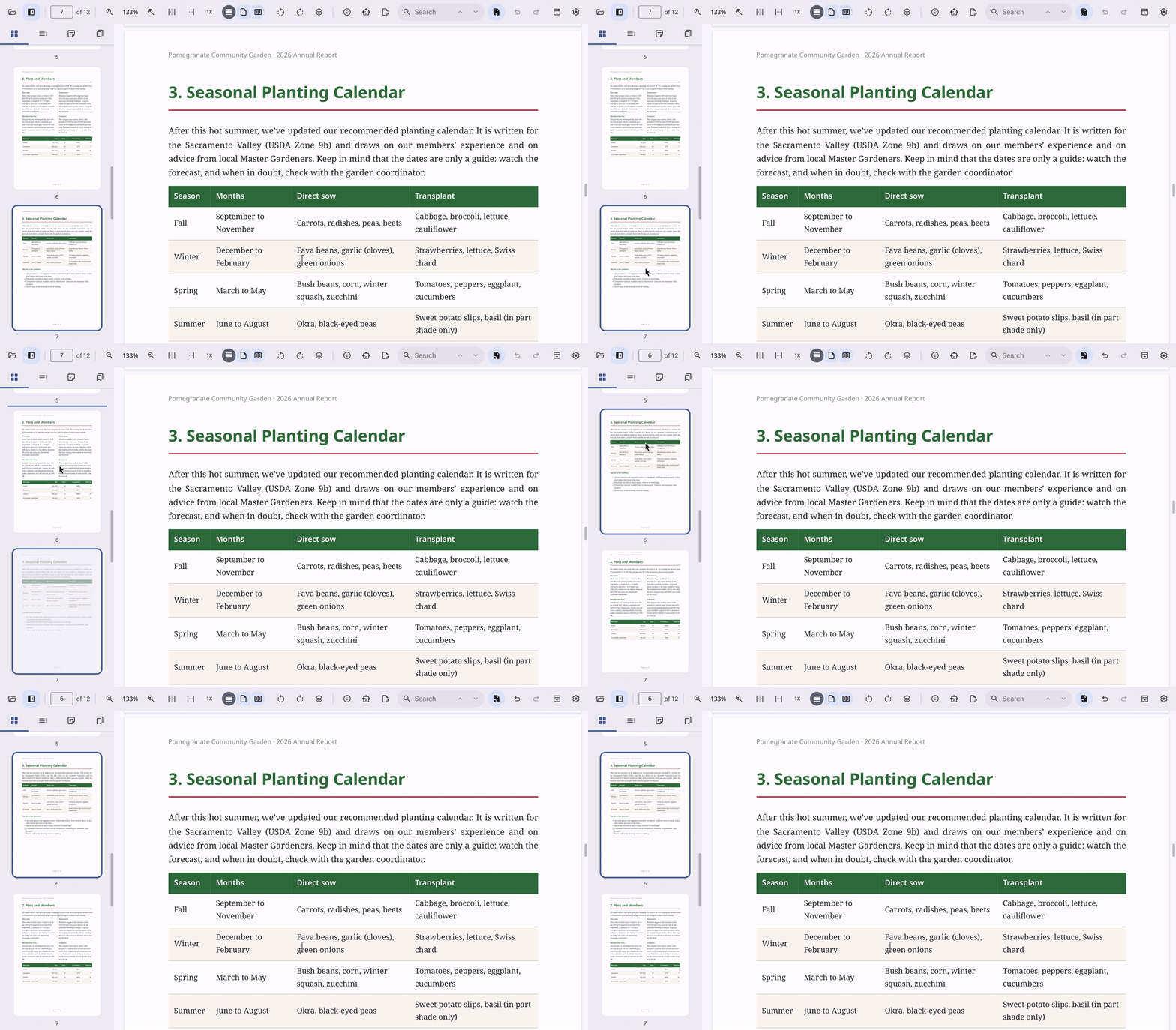
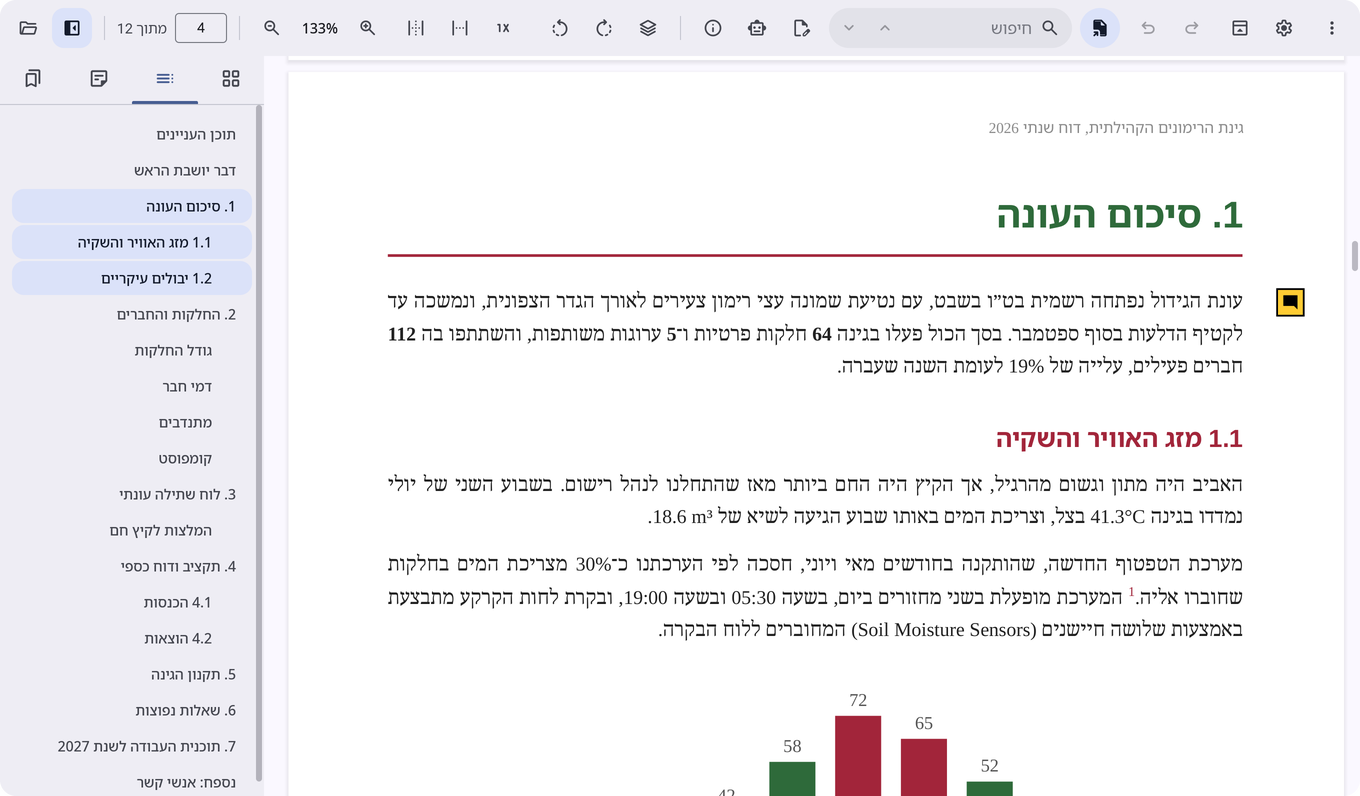
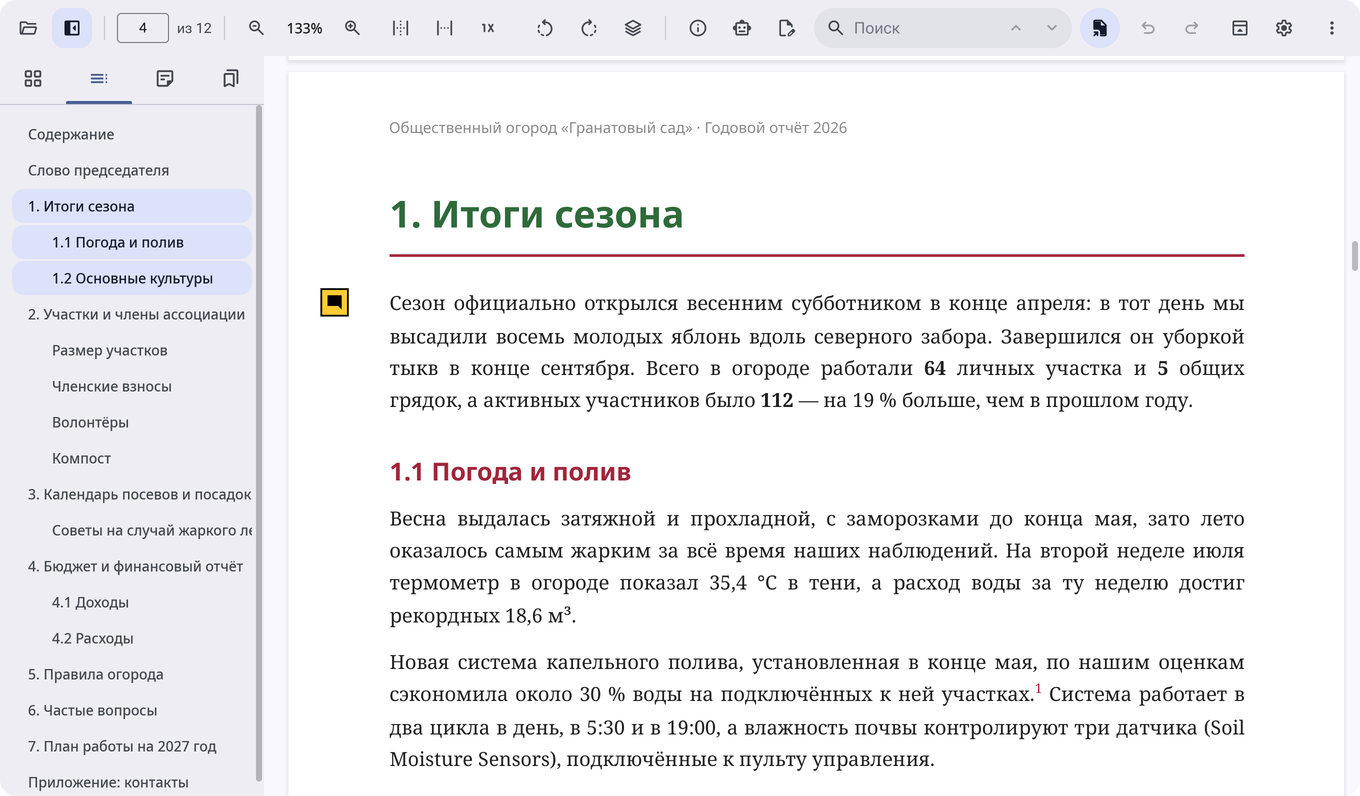
The interface comes in 38 languages and follows your system, laid out right to left for Arabic, Hebrew, Persian and Urdu. Here is the same annual report in six of them.
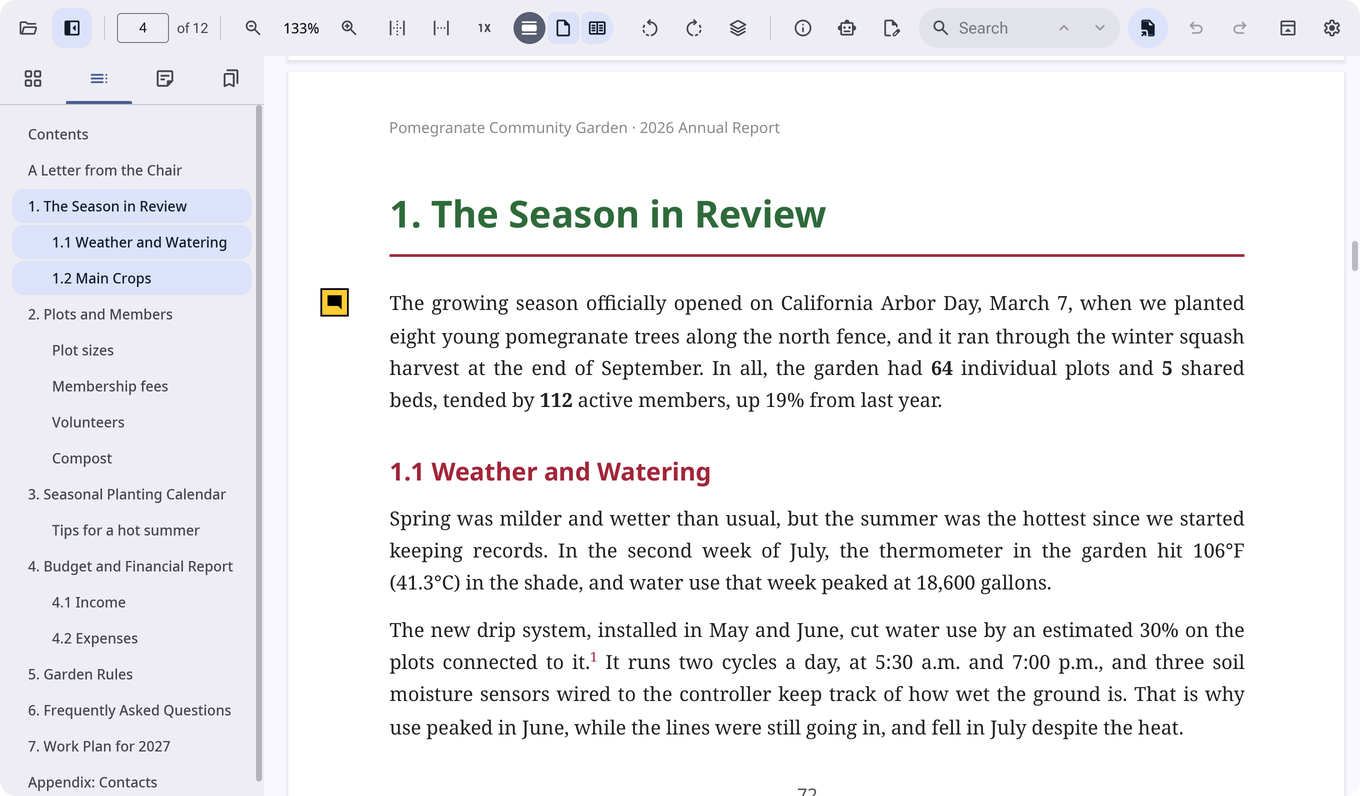
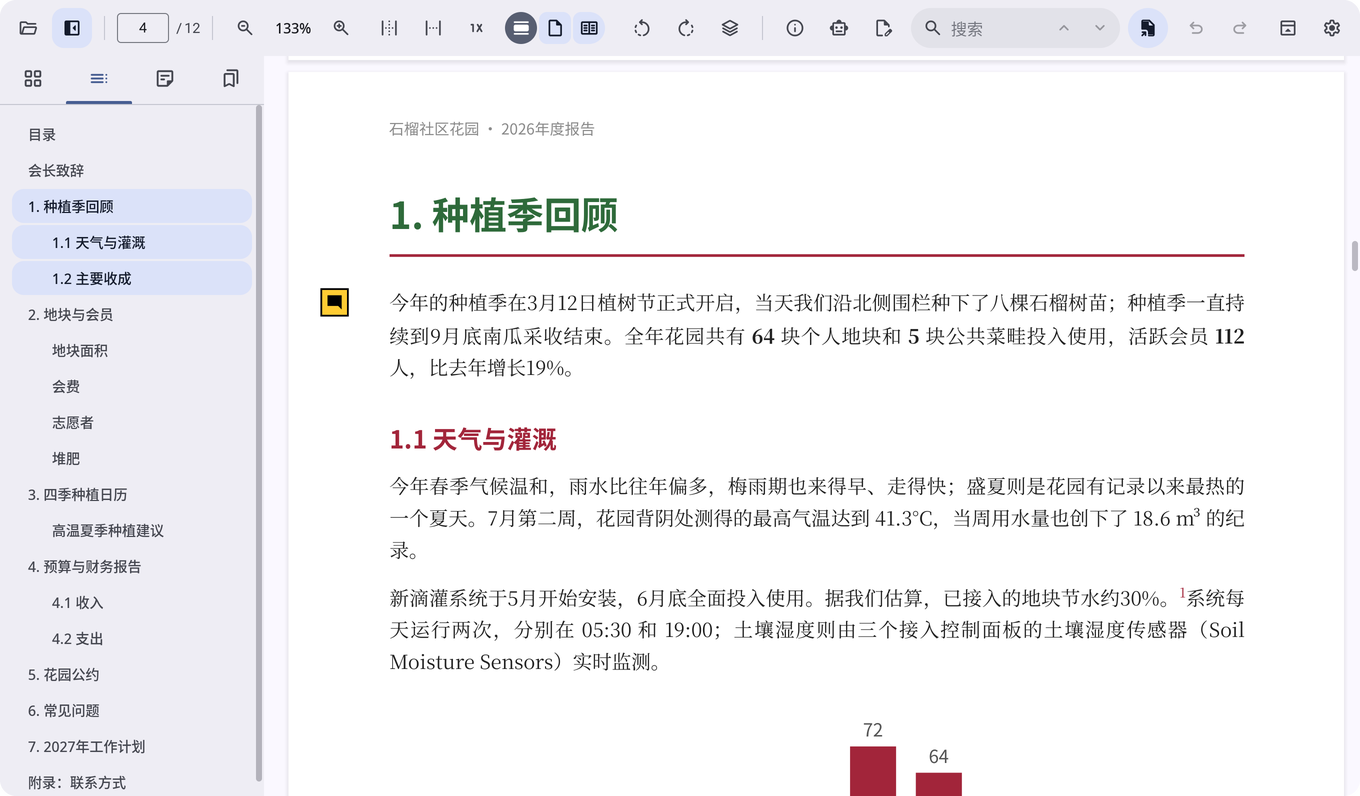
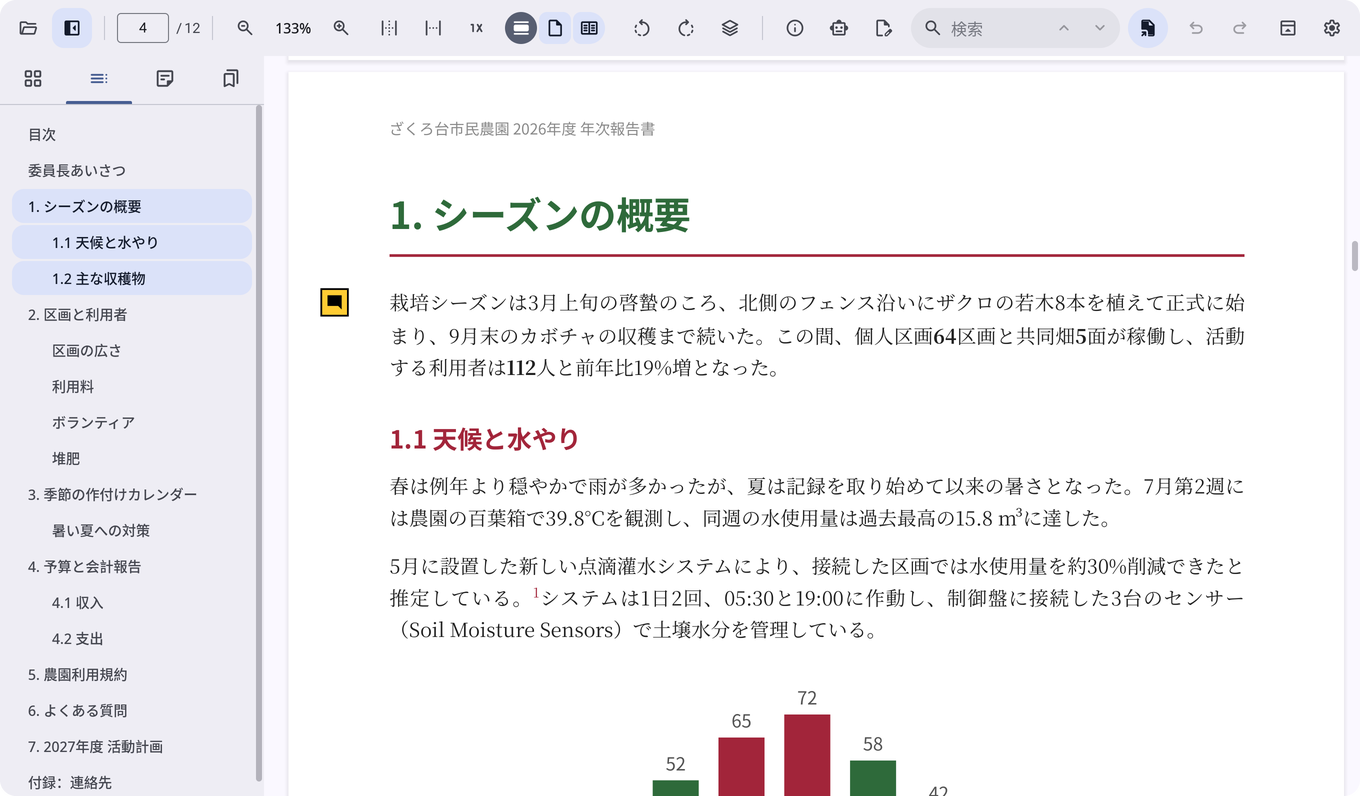
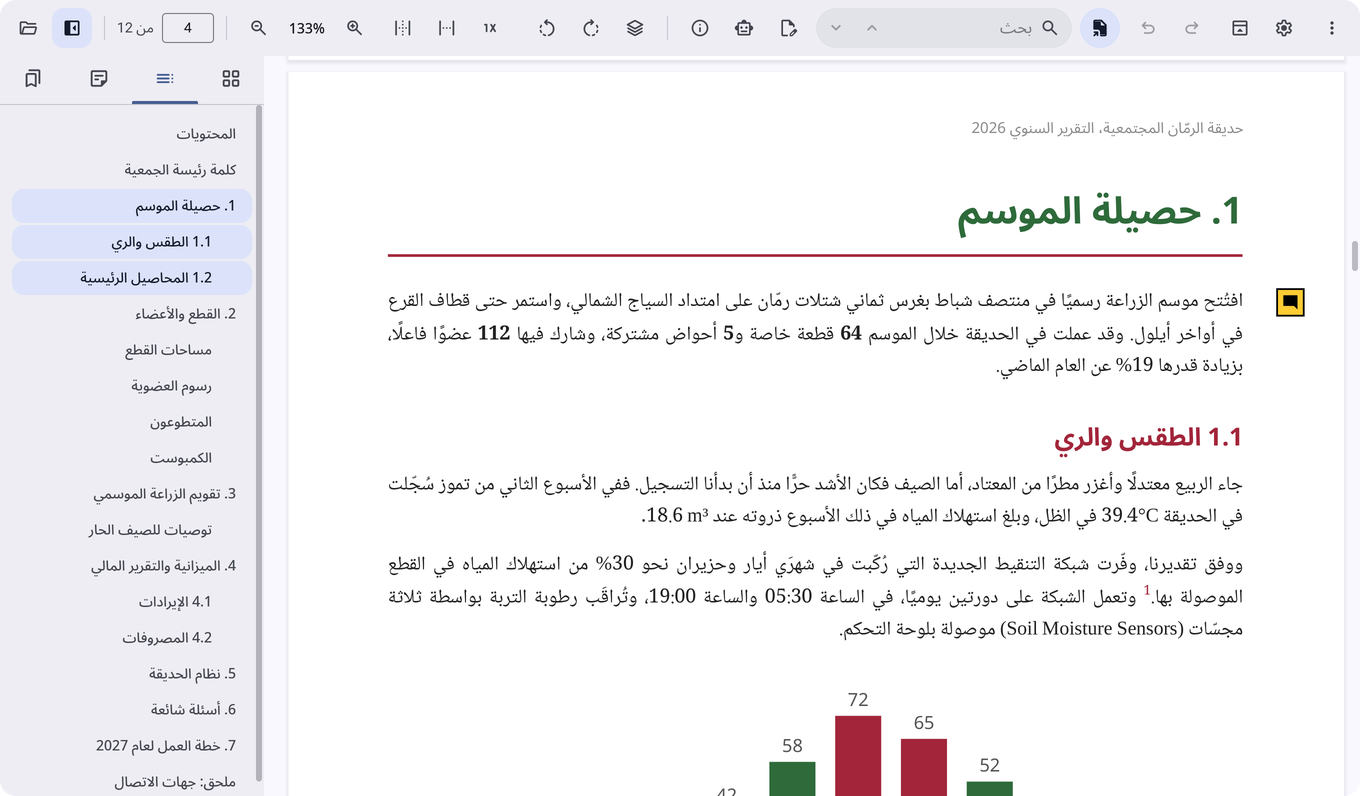
The same app on Linux, Windows and macOS, with each system's own window, shortcuts and, on the Mac, the menu bar.
prev 2.4.2 for Linux and Windows on x86_64 and ARM64, Linux on RISC-V, and macOS on Apple Silicon and Intel. Every file is on the release page, with checksums.
| System | Download | Install |
|---|---|---|
| Windows 10 and 11 | Installer (.msi): x64 · ARM64 | Open it: it installs for you alone, with no administrator prompt |
| Windows, portable | .zip: x64 · ARM64 | Unpack it anywhere and run prev.exe |
| macOS 11 and later | Disk image (.dmg): Apple Silicon · Intel | Open it and drag prev to Applications |
| With Homebrew | brew install --cask scrambletools/tap/prev | |
| Debian, Ubuntu | .deb: x86_64 · ARM64 · RISC-V | sudo apt install ./prev_2.4.2-1_*.deb |
| Fedora | .rpm: x86_64 · ARM64 · RISC-V | sudo dnf install ./prev-2.4.2-1.*.rpm |
| Arch | PKGBUILD and prev.install, to build from source on x86_64 · ARM64 · RISC-V | makepkg -si in a folder with both |
| Flatpak | x86_64 · ARM64 | flatpak install --user prev-*.flatpak |
| Any distribution | AppImage: x86_64 · ARM64 | Make it executable, then run it |
| Any distribution | .tar.gz: x86_64 · ARM64 · RISC-V | Unpack under /usr or ~/.local |
| With mise | mise use -g github:scrambletools/prev |
The Windows installer and prev.exe are signed by Scramble Tools LLC. See the install notes for what differs between packages.
Windows releases of prev, since 2.2.1, are signed by Scramble Tools LLC with Microsoft Azure Artifact Signing.
prev.exe and the prev installer. Open source components prev bundles
unchanged, such as libheif, libde265 and aom, are not signed with this certificate.This program will not transfer any information to other networked systems unless specifically requested by the user or the person installing or operating it. prev goes online only to fetch a picture you drop onto it as a web address, to open links you click, and, when you use the assistant with a model you added, to send that model your messages and what it asks to read from the file you are working on: to the provider you chose for a cloud model, or to the server you gave for a local model. API keys stay in your system's keychain. prev has no accounts and sends no telemetry. This website sets no cookies and loads nothing from other sites.